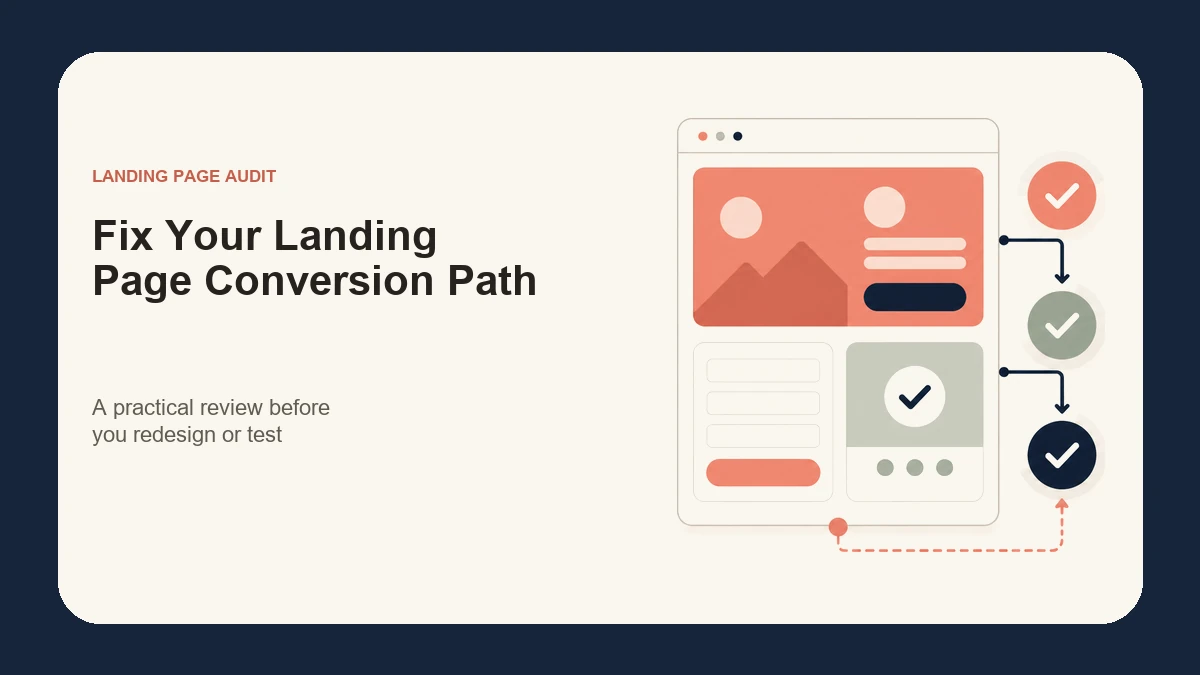
A landing page can look polished and still underperform because the page, traffic source, offer, and next step do not fit together. Conversion improvement starts by finding that mismatch—not by changing a button colour at random.
This landing page conversion checklist gives business owners and marketing teams a practical order for reviewing a page before they redesign it, increase advertising spend, or launch another test. It focuses on clarity, relevance, trust, accessibility, mobile usability, performance, and measurement.
There is no universal conversion rate that every landing page should reach. Results depend on the audience, offer, traffic quality, buying stage, price, competition, and how a conversion is defined. The useful question is whether the page helps qualified visitors understand the offer and complete the intended action with minimal uncertainty.
What a landing page conversion checklist should diagnose
A productive audit should explain where the conversion path becomes weak. It should not produce a list of cosmetic preferences with no connection to user intent or business goals.
Before reviewing individual components, document:
- the campaign or source sending people to the page;
- the intended audience and their level of awareness;
- the specific offer being presented;
- the primary conversion action;
- the questions or objections visitors need answered;
- the events currently tracked;
- the mobile and desktop experience;
- known technical, content, or operational constraints.
Nexxen Studio’s landing page design and WordPress services begin with these inputs because a page needs a clear job before its layout can be judged.
1. Align the page with its traffic source
Someone arriving from a search ad, social campaign, email, referral, or QR code may have a different expectation. The promise made before the click should continue on the landing page without forcing the visitor to reinterpret the offer.
Compare the campaign message with the page’s headline, supporting copy, imagery, offer, location, and call to action. Google Ads describes landing page experience in terms that include usefulness, relevance, navigation, links, and whether the page meets the expectations created by the ad. Its official landing page guidance is a useful reminder that message match is part of the overall experience.
For a Canadian campaign, confirm practical details such as currency, service area, availability, shipping, taxes, and language expectations where they apply. These details belong on the page when they affect the decision; they do not need to be forced into every headline.
2. Make the first screen answer four questions
The opening section should quickly help a qualified visitor understand:
- What is being offered?
- Who is it for?
- Why is it useful or different?
- What should the visitor do next?
A concise headline should communicate the main outcome or proposition. The supporting sentence can add audience, scope, or differentiation. The primary call to action should use specific language such as “Request a project review,” “Book a consultation,” or “Download the guide” rather than a vague instruction such as “Submit.”
Avoid filling the first screen with competing buttons, long introductions, generic brand claims, rotating sliders, or decorative elements that push the offer below the fold. The page can contain detail later; the opening needs a clear starting point.
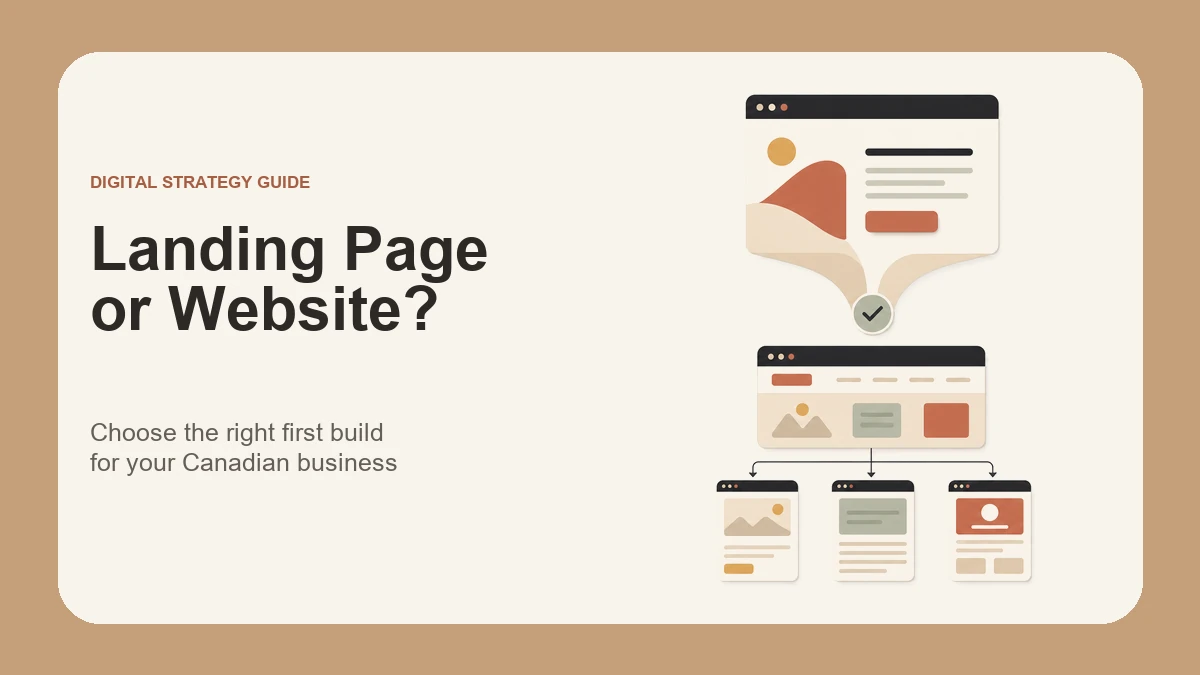
If the campaign needs broader navigation, several services, or ongoing content discovery, a full website may be a better destination. The guide to choosing a landing page or full business website explains where each format is useful.
3. Keep one primary conversion action
A landing page can include supporting links, but its main action should remain obvious. Decide whether success means a form submission, booked call, purchase, registration, download, phone call, or another measurable event.
Repeat the same primary action at logical decision points instead of introducing a different offer in every section. A visitor who reaches the proof, process, or pricing section should not have to search for the next step.
Secondary actions can help people who are not ready to convert, but they should not visually compete with the main goal. Examples include viewing relevant work, reading a detailed guide, or contacting the business through another channel.
4. Explain the offer before asking for commitment
Strong landing-page copy reduces uncertainty. Explain what the visitor receives, how the process works, who the offer fits, what happens after the action, and any important eligibility or scope limits.
Use short paragraphs, descriptive headings, and lists to make the content easy to scan. Replace empty claims such as “best-in-class” or “industry-leading” with concrete information about deliverables, workflow, support, or experience.
The amount of detail should match the decision. A simple resource download may need only a short explanation. A custom website, professional service, or high-value purchase usually needs more context, proof, and risk reduction.
5. Place credible proof near the decision
Proof is most useful when it supports a claim the visitor is evaluating. Depending on the offer, that may include relevant project examples, attributed testimonials, review sources, process details, credentials, security information, or clear policies.
Choose proof that is specific to the audience and service. A large row of client logos may be less persuasive than one relevant project showing the problem, approach, and outcome. Nexxen Studio’s web design case studies show the type of project context visitors may want before starting a conversation.
Never invent testimonials, performance numbers, awards, clients, or urgency. If strong proof is not available, use transparent process information and realistic expectations rather than manufactured credibility.
6. Design the mobile conversion path first
Mobile review is more than checking whether the layout shrinks. Read the page in order at a narrow width and confirm that the message, proof, form, and call to action still create a coherent path.
Check that:
- headings wrap cleanly without overwhelming the screen;
- body text remains readable without zooming;
- buttons and links have comfortable touch targets;
- important content is not hidden behind sticky controls;
- forms use appropriate input types and spacing;
- images remain meaningful and crop safely;
- the page has no horizontal scrolling;
- the primary action appears at useful points in the journey.
Test at realistic narrow widths rather than relying only on a visual editor’s default phone preset.
7. Reduce form friction without removing necessary context
Ask only for information the business genuinely needs at that stage. A first enquiry may require a name, contact method, and enough project context to route the request; a longer qualification form should explain why additional information is useful.
Every field needs a clear label, predictable instructions, understandable error feedback, and a visible focus state. The W3C’s accessible forms tutorial recommends properly identifying controls and notes that people generally prefer simple, short forms. For a wider review, use the website accessibility checklist to check keyboard access, headings, contrast, images, forms, and mobile behaviour.
After submission, show a clear confirmation and explain what happens next. Also verify that notifications reach the correct person and that the lead is recorded in the intended system. A beautiful form has no business value if successful submissions disappear.
8. Protect speed and technical reliability
A landing page should load reliably on mobile connections and remain stable while it appears. Large media, excessive scripts, third-party widgets, animation libraries, and multiple tracking tools can add delay or visual movement.
Review image dimensions and compression, font loading, scripts, caching, embeds, consent tools, and hosting behaviour. The Core Web Vitals overview explains the user-centred measures for loading performance, responsiveness, and visual stability.
Technical QA should also cover broken links, form delivery, analytics events, thank-you states, browser compatibility, HTTPS, redirects, and any campaign parameters that need to persist.
9. Measure the complete funnel
Do not treat a button click as the only possible signal. Define the primary conversion and the supporting events that help diagnose behaviour, such as CTA clicks, form starts, validation errors, successful submissions, booked appointments, qualified leads, or completed purchases.
Confirm that events fire once, use consistent names, and distinguish a successful outcome from an attempt. Test the full journey yourself and reconcile analytics with the receiving form, CRM, calendar, or commerce system.
Review results by meaningful segments such as campaign, device, geography, new versus returning visitors, or offer variation. A blended conversion rate can hide a strong page connected to weak traffic—or a weak page receiving high-intent visitors.
10. Test changes in a deliberate order
Fix defects and obvious mismatches before running an experiment. There is little value in A/B testing headline variations while the form fails on mobile or the advertisement promises a different offer.
Prioritize changes by likely impact, evidence, and effort. Start with the audience-offer match, message clarity, conversion action, form reliability, mobile usability, and speed. Then test a clear hypothesis such as: “Explaining the response process beside the form will reduce uncertainty and increase qualified submissions.”
Change one major concept at a time when possible, define the success metric in advance, and allow enough representative traffic to make the result useful. Do not declare a winner from a handful of visits or replace a strong page because of normal short-term variation.
A 30-minute landing page audit order
When time is limited, review the page in this sequence:
- Read the campaign message and the first screen together.
- State the audience, offer, and primary action in one sentence.
- Complete the mobile journey as a visitor.
- Submit every form and verify delivery and confirmation.
- Check proof, objections, process, and risk-reducing information.
- Test links, analytics events, and campaign parameters.
- Review loading, layout stability, and horizontal overflow.
- List issues by impact and effort before changing the design.
This order often reveals structural problems before the team spends time adjusting spacing, colours, or decorative details.
When to optimize and when to rebuild
Optimize the existing page when the offer and structure are sound, the technology is maintainable, and the main problems are focused. A clearer headline, better proof, a shorter form, improved mobile spacing, or corrected tracking may be enough.
Consider a rebuild when the page has no clear goal, cannot represent the offer, is difficult to edit, repeatedly breaks across devices, depends on fragile integrations, or requires a fundamentally different content structure. Preserve useful analytics, campaign URLs, tested copy, and search considerations during any rebuild.
Turn the checklist into a prioritized improvement plan
A landing page conversion checklist is valuable only when it leads to clear action. Record each issue, the evidence behind it, the affected audience or device, the proposed change, the owner, and the metric that will show whether the change helped.
If you need an independent review or a conversion-focused WordPress landing page, contact Nexxen Studio to turn the audit findings into a practical design and testing plan.